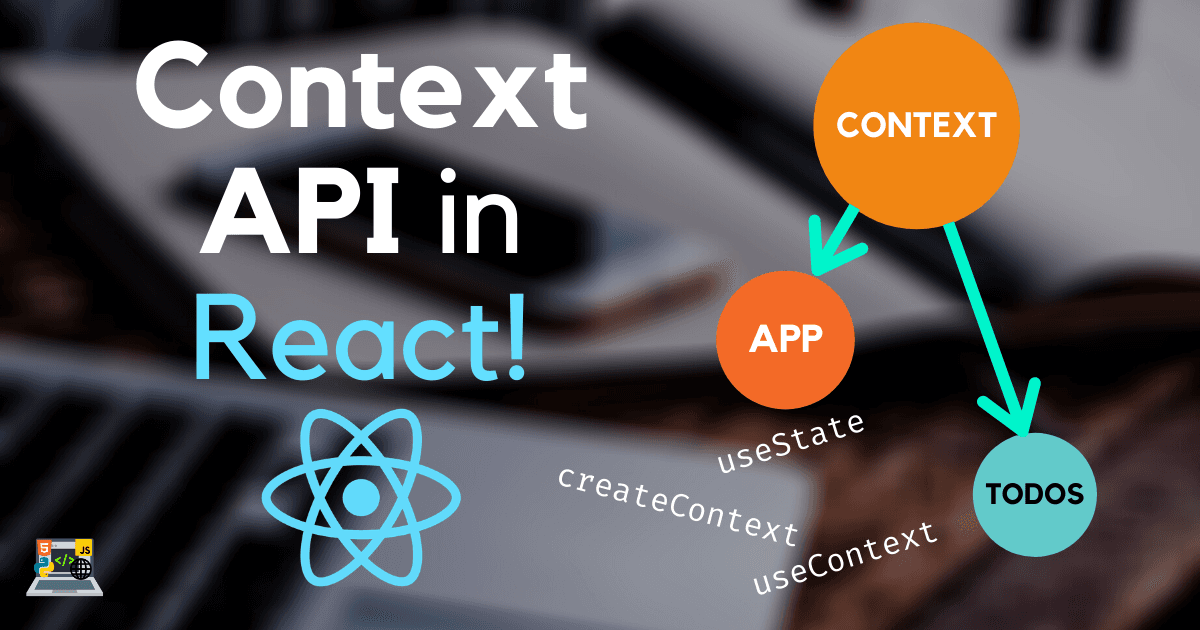
♻️ Context API in React! | Switch to it NOW!
U
I am a full stack developer, YouTuber and blogger!
Search for a command to run...
I am a full stack developer, YouTuber and blogger!
Thanks a lot Shanjai!
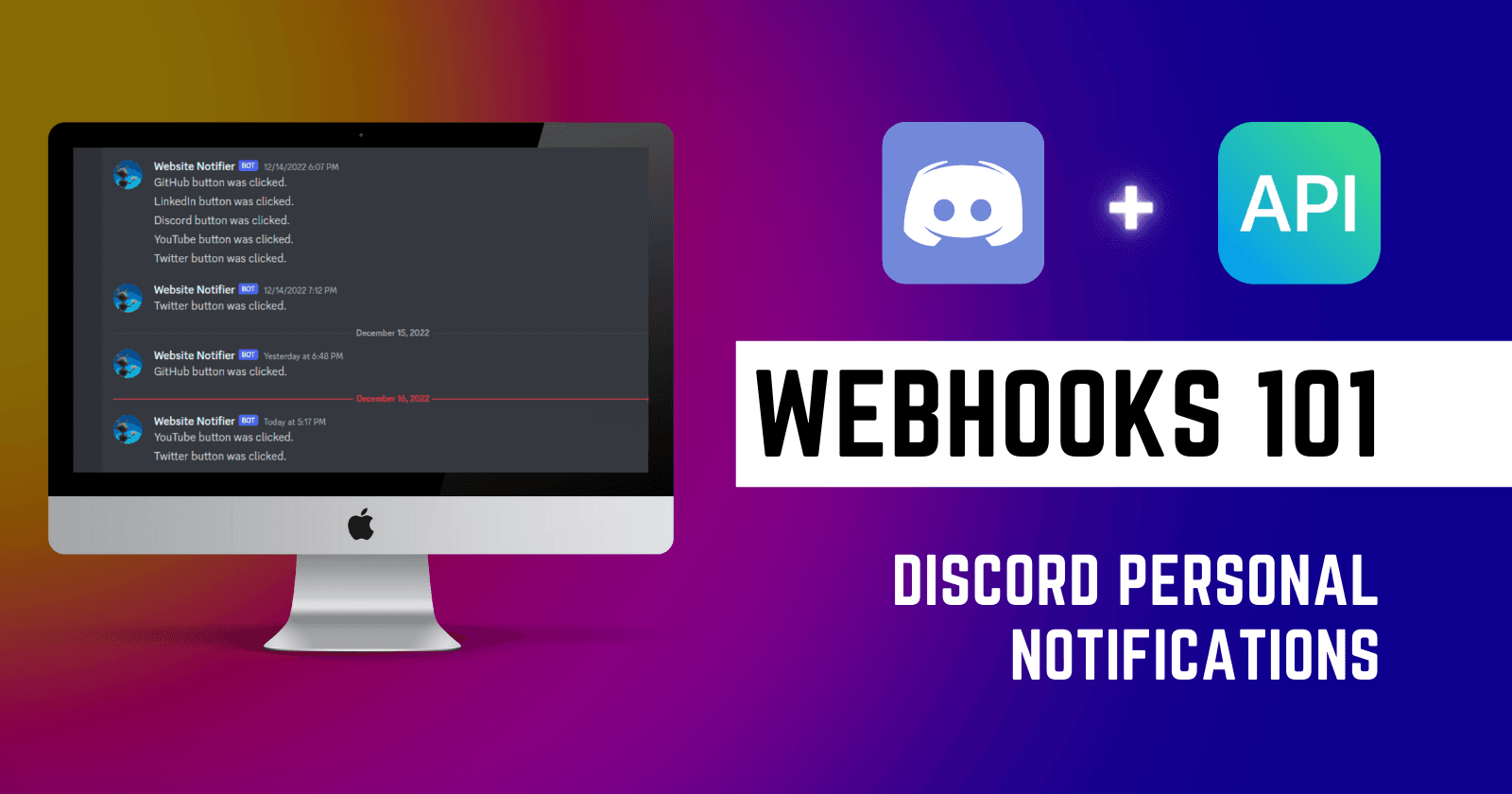
Hey all 👋👋 Webhooks are a powerful tool that allow applications to communicate with each other in real-time. They are often used to send notifications or updates from one system to another without requiring manual intervention. If you know the bas...
Hey everyone! It's been a while since I wrote my last article. But here I am with another topic that might be informational to you 🙂. This time I am writing about why you should avoid the onclick attribute in your HTML and JavaScript code. This ar...

❔ What and Why Memoriez ❔ This is a very important question because it makes things clear as to why this app is needed. I built Memoriez because I honestly found it hard to write and maintain journal/diary entries daily. It's not easy to maintain a j...

Explained with a simple project

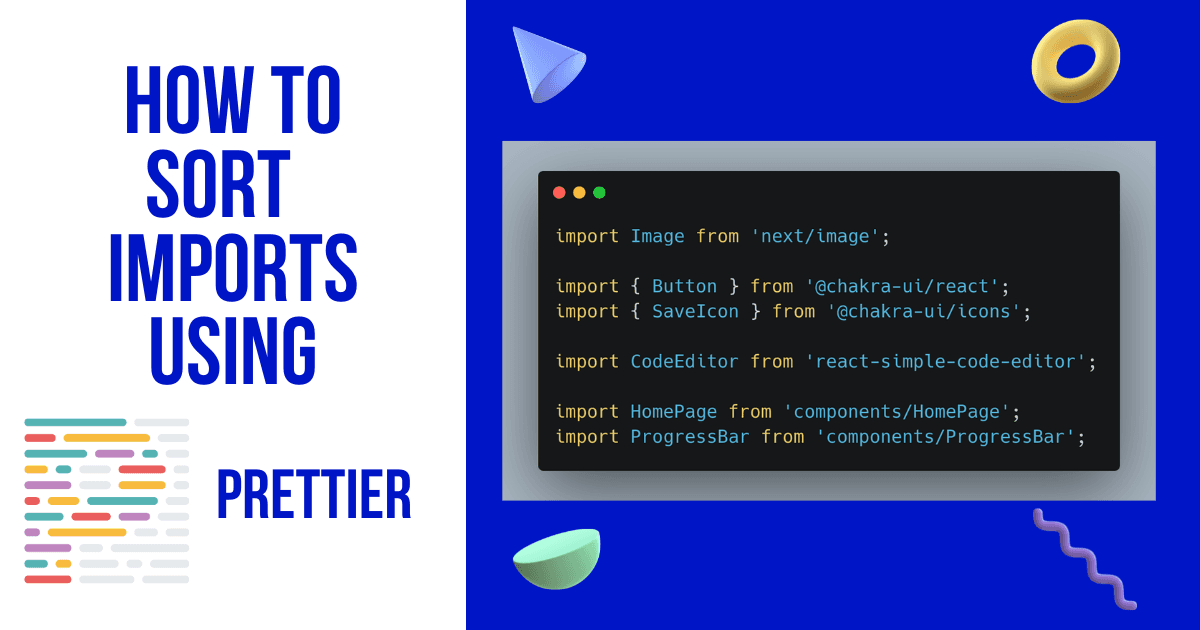
👋 Hey developers! This post is about how you can sort import statements in your JavaScript/TypeScript/React/Node etc projects easily with Prettier in VS Code when you format the code. https://www.youtube.com/watch?v=QQWgN0_gUxI What will you achieve...
Note: I have used
.jsxfor component file extensions here, but you can use.jsif you want, that won't affect your app
If you use create-react-app to bootstrap your project, you will have the src folder where you have the source code. To optimize the folder structure, I recommend keeping the Context files within a folder called context in src.
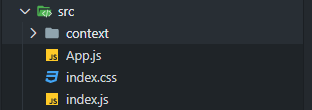
Create a MainContext.jsx file inside the context folder. And in that file, we will export 2 components.
MainContext.jsxStart by importing some stuff from react, i.e., createContext to create context, and useState to create state
import { createContext, useState } from 'react';
Then, create and export a variable called MainContext or whatever you want, and set it to createContext()
import { createContext, useState } from 'react';

export const MainContext = createContext();
This variable/component will be our context.
Create and export another variable/component called MainProvider, where we will fill our state and return some JSX. As shown below 👇
import { createContext, useState } from 'react';

export const MainContext = createContext();

export const MainProvider = ({ children }) => {
  const [name, setName] = useState("Usman");
  return (
    <MainContext.Provider value={{ name, setName }}>
      { children }
    </MainContext.Provider>
  )
}
Now what do we do here is, we create a component called MainProvider, in which we will wrap our whole app. And we render out <MainContext.Provider> which is the context's provider property.
The value prop takes in an array or an object, which we then destructure to get the state in other components. I recommend using an object in the value prop, as it is better to destructure an object than an array
If you are getting confused and don't understand what is going on, try it yourself in your own project after or while reading this blog post, you will understand everything.
Now that we have filled the context file, we have to get use that context in our app, and for that we need to wrap our app inside the Provider.
Go to index.js file, and import the MainProvider component, and wrap your <App /> inside the <MainProvider> like shown below 👇
import { MainProvider } from "./context/MainContext";

ReactDOM.render(
  <React.StrictMode>
    <MainProvider>
      <App />
    </MainProvider>
  </React.StrictMode>,
  document.getElementById("root")
);
Now it's the time! You can go to any of your components you want, and follow these steps to use and modify state inside your app. I will show the example for App.js file.
First off, import useContext from react, and the MainContext from the context file.
import { useContext } from 'react';
import { MainContext } from "./context/MainContext";
Then we simply use the useContext hook like so 👇 to access our state from MainContext.
import { useContext } from 'react';
import { MainContext } from "./context/MainContext";

function App() {
  const { name, setName } = useContext(MainContext);
  return (
    <div className="App">
      <h1>My name is { name }</h1>
    </div>
  )
}

export default App;
And that's it! You can also use setName() to change the value of name and that will also be reflected in the DOM.
You can use any kind of state in your context and pass it in the value prop, access it using useContext(), and use it 🤷♂️.
I hope you learnt and understood about the Context API in React.
I also have a YouTube video on it if you want to go somewhat in depth
Finally, Give the post a 💙 like if you liked it, and don't hesitate to ask questions and give suggestions in the 💬 comments. Thanks for reading 🙏