🎉 Introducing Easy Pastes - Easiest way to create and share code pastes

I am a full stack developer, YouTuber and blogger!
✨ Introduction to the app
Easy Pastes is an app where users can easily paste some code they want to share with someone with syntax highlight and even if they want to make it public, they can do so to show other people.
It is the easiest and fastest way to share code pastes and most of the programming languages are supported. You can request to add a language on the GitHub repository.
This app is fully open-source for learners to learn and to encourage people to contribute to this project to make it better.
The app is live on easypastes.tk and open sourced on GitHub
Here is how you can use the app
👥 The team
Sunrit Jana and I have been working on this app for the last fifteen days and it has been a great experience working with him!
🎨 How is the app built?
Easy Pastes is using the latest and greatest technologies! The tech stack for the app is
We are using Next.js for the whole app, Chakra UI for the user interface, Supabase for the database, and Clerk.dev for authentication.
🧐 Exploring the app
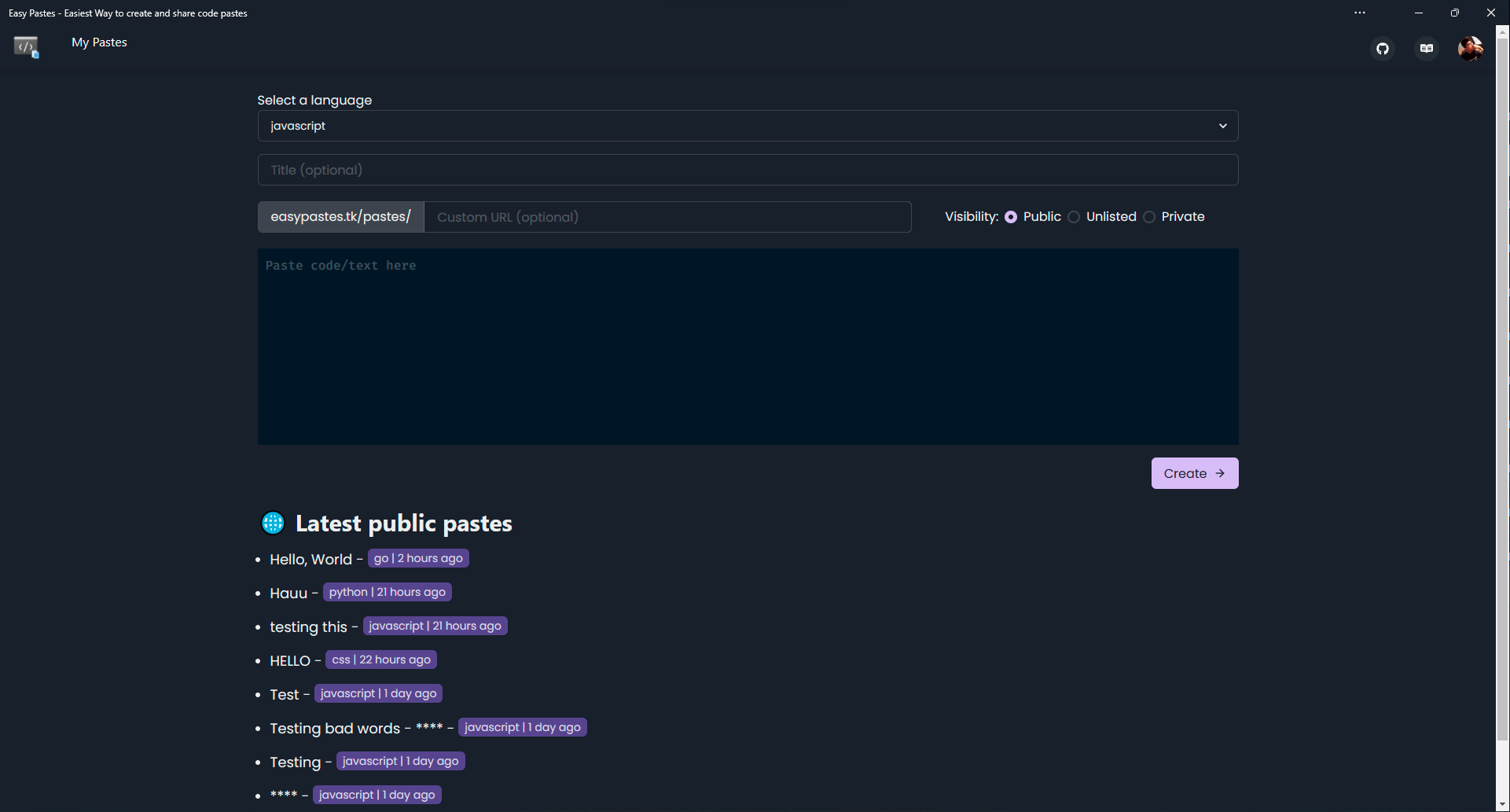
We'll be going into detail on how to use this app in this section. On the main page, you will be having the functionality to create a paste.
Sign in and sign up
The authentication system is powered by Clerk.dev which is awesome!
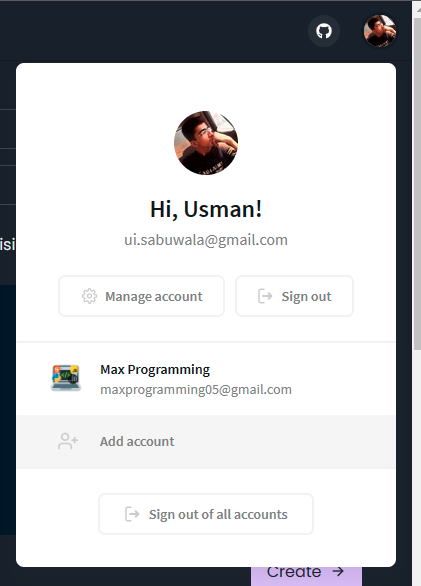
Before creating a paste, it's recommended to sign in because your pastes are stored for future use. And you can edit and delete your pastes while you are signed in. When you create a paste while signed in, it will be your paste. You can go to the My Pastes page to see what pastes you have created.
And Easy Pastes also has multi-account system so you can sign in with multiple accounts.
ℹ️ Public pastes are shown on the home page. Private pastes are private and no one can view them except the author Unlisted pastes can be viewed by anyone from the link but are not shown on the home page
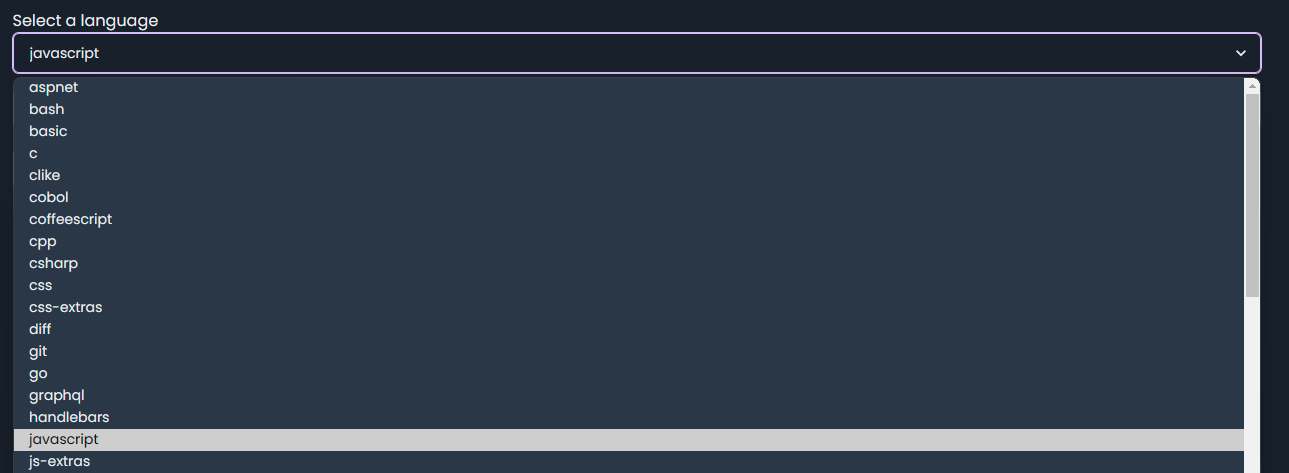
Pick a language of your choice (default: none)
Give paste a title (optional)

Change visibility and give a custom URL (optional)
ℹ️ Making a custom URL and making paste private is only available when you are signed in.
If the custom URL is not specified, it'll be a randomly generated id, and the pastes are public by default.

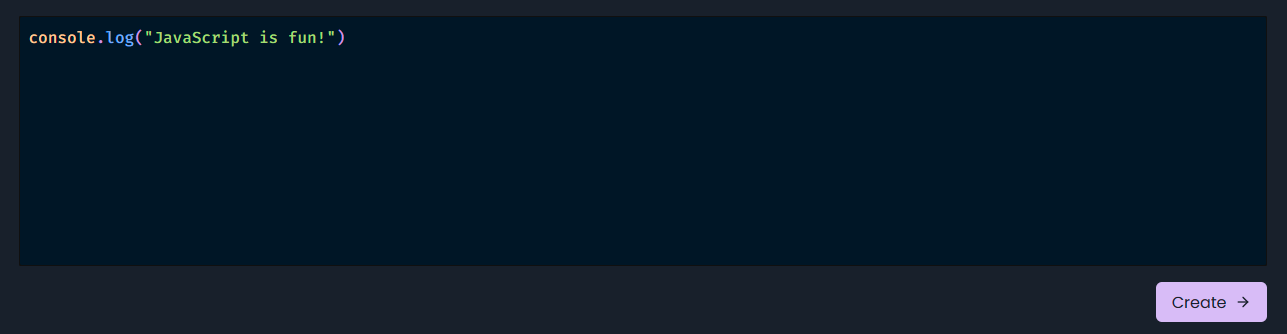
Paste the code and click the create button
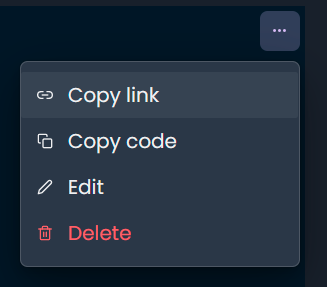
Share, copy, edit, or delete the paste
You will be redirected to your created paste which you can then share the link to someone, copy the code, delete and edit the paste.
🧱 PWA (new)
With the latest update, Easy Pastes is also a PWA and it can be installed and used as an app.
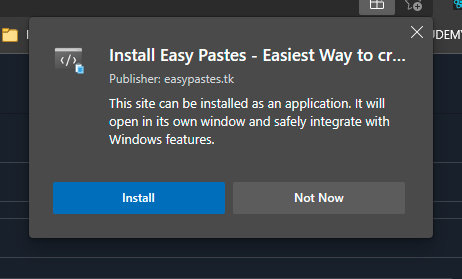
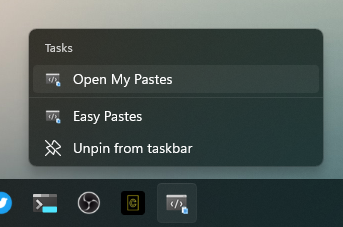
As a PWA, it also has shortcuts to directly open the My Pastes page
🔑🔒 Password protection (new)
We're also now focused on security. We have added a feature consisting of protecting your pastes and storing the secure password hash in DB. No one other than you, or people can access it! This is one of the features we're really proud of!
Set a password using this button

And then visit the page where you would need to enter the password to view it

👽️ Your profile
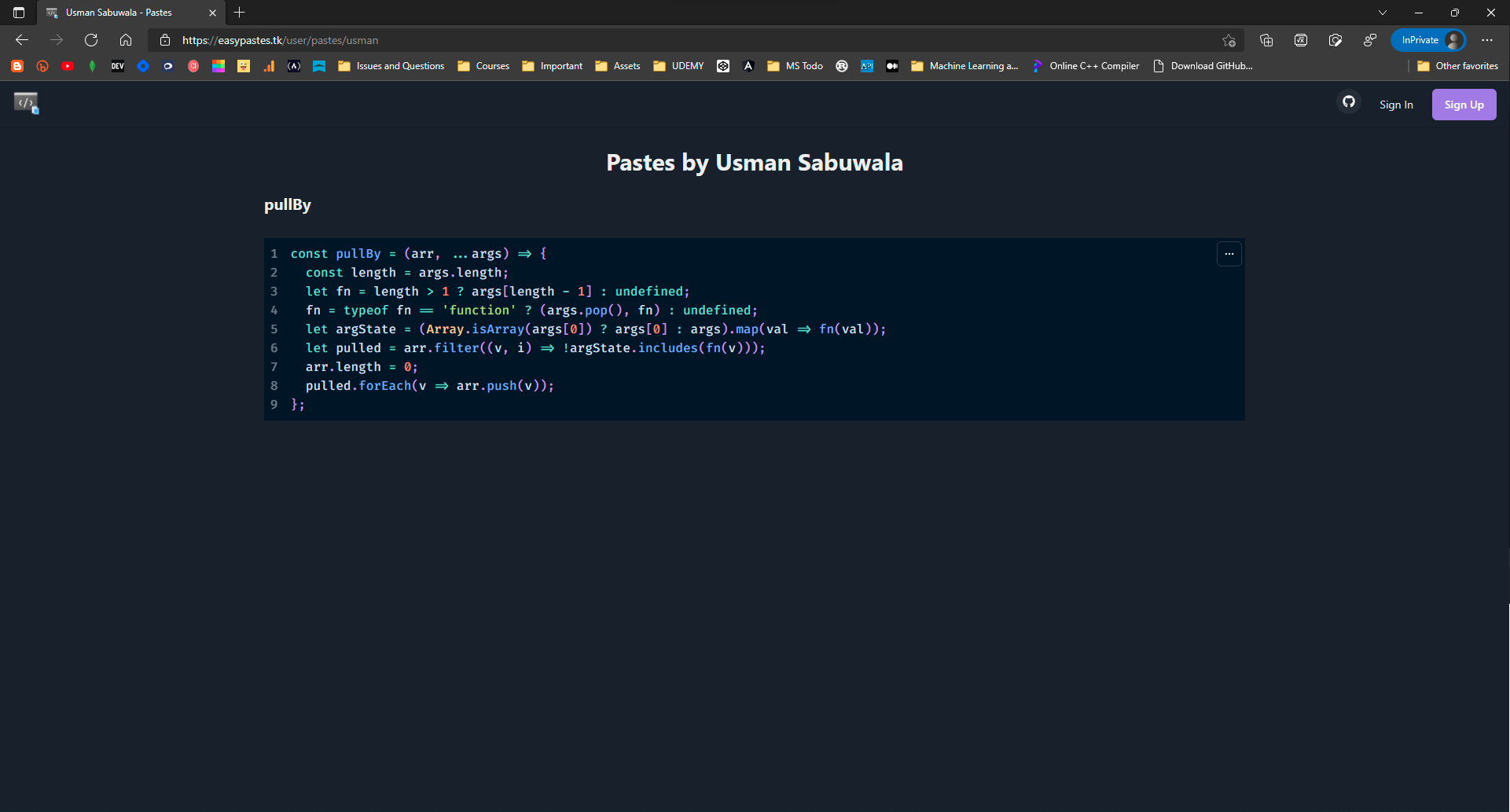
You can change your account settings by clicking your account button on the top right and settings. But in this case, you also get the functionality to view your own pastes.
When you click on the My Pastes link in the navbar, you will see your own pastes.
You can achieve this behaviour by simply setting the username in user settings else it will be the user id.

On this page, you are able to view pastes you have created and you can even filter them by All, Public, Unlisted, and Private.
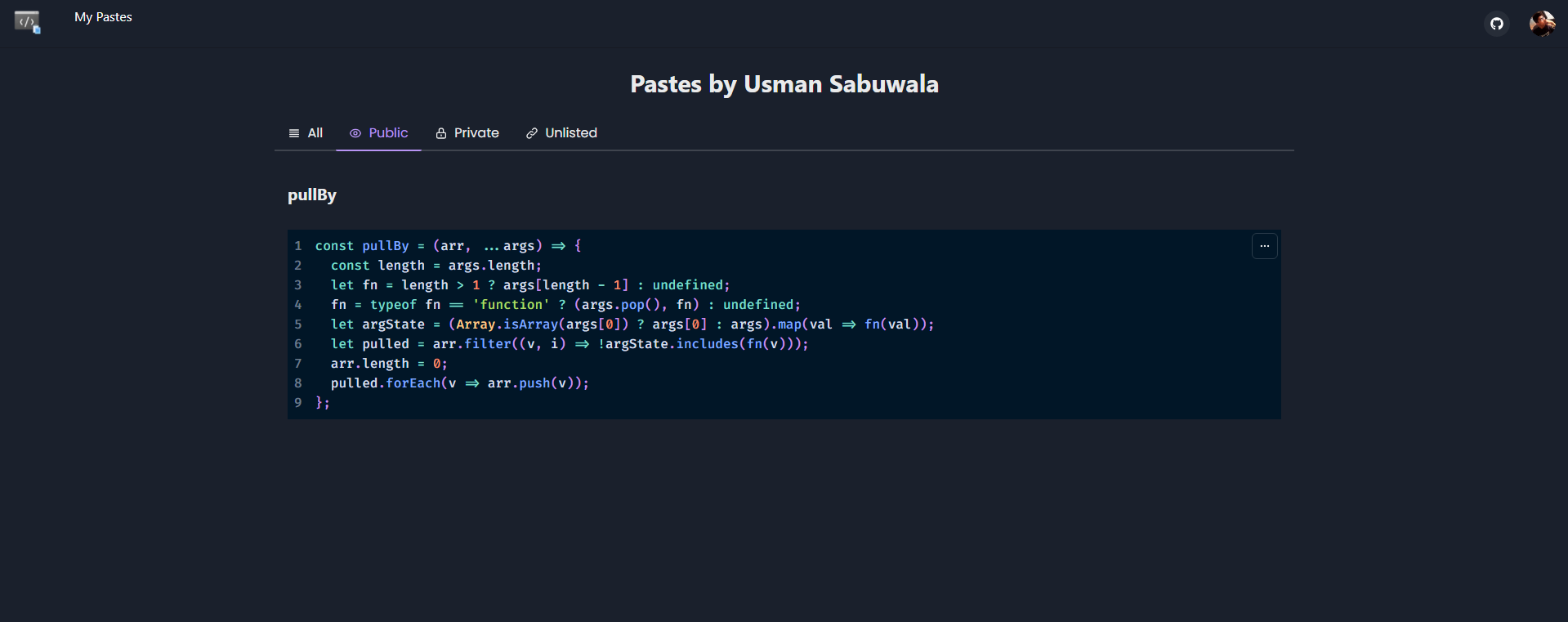
If the page is viewed by someone else, they will only be able to see the public pastes you have created.
💫 Conclusion
And that is how Easy Pastes works! Thanks to Hashnode for organizing this hackathon. It helped me so much to build my first full-stack web application.
I want to thank the folks over at Discord and Twitter who helped me to improve this app by giving their valuable feedbacks.
The Clerk team on Discord was very helpful to us. They were very helpful whenever we had any queries regarding Clerk.
Sorry if I missed someone :)
Feel free to contribute to the project on the GitHub repository and give your suggestions and how the app works in the comments.
📈 Updates
27-07-2021:
- With this commit , swears and bad words are filtered from the Title and Custom URL
28-07-2021
- Made Easy Pastes a PWA
- Custom 404 page
29-07-2021
- We're here with another amazing update! Added password protection
- Fixed the heading and footers.
02-08-2021
- Viewing paste in raw mode feature